01
Settings · dual models
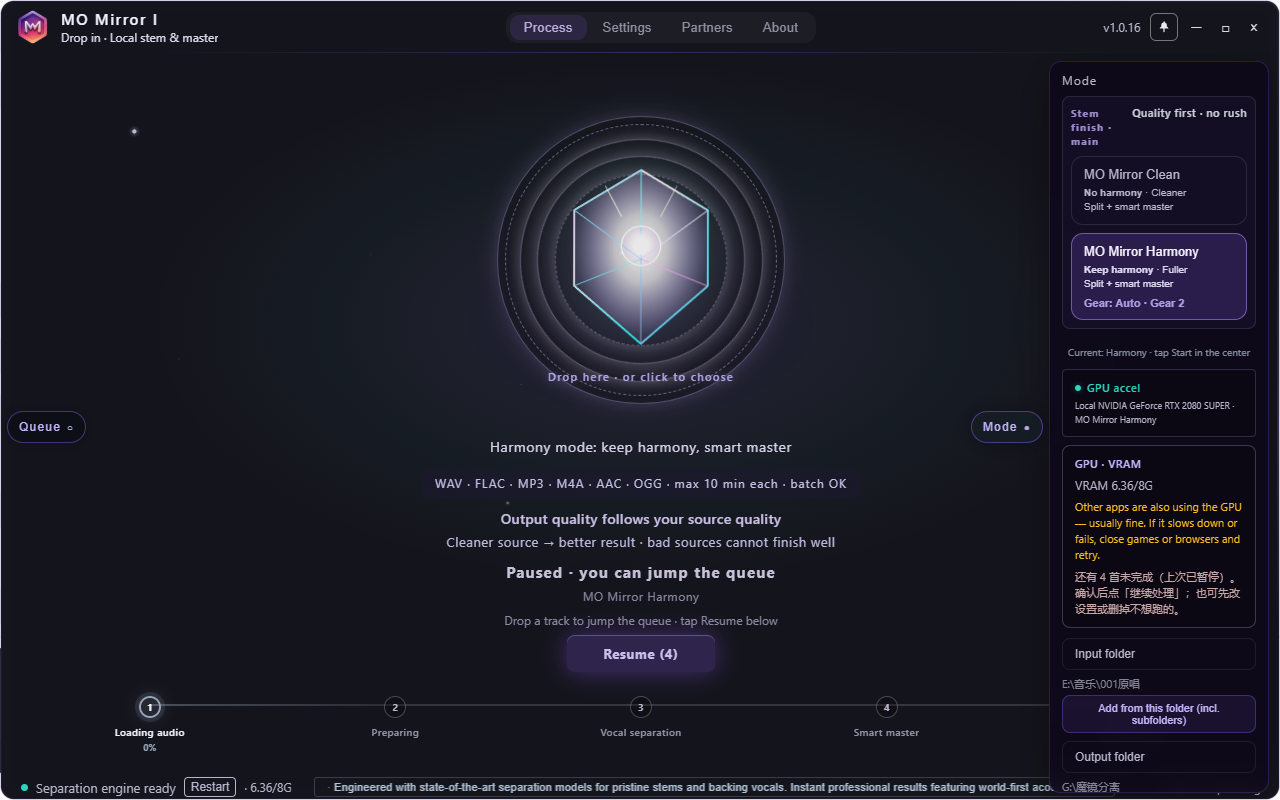
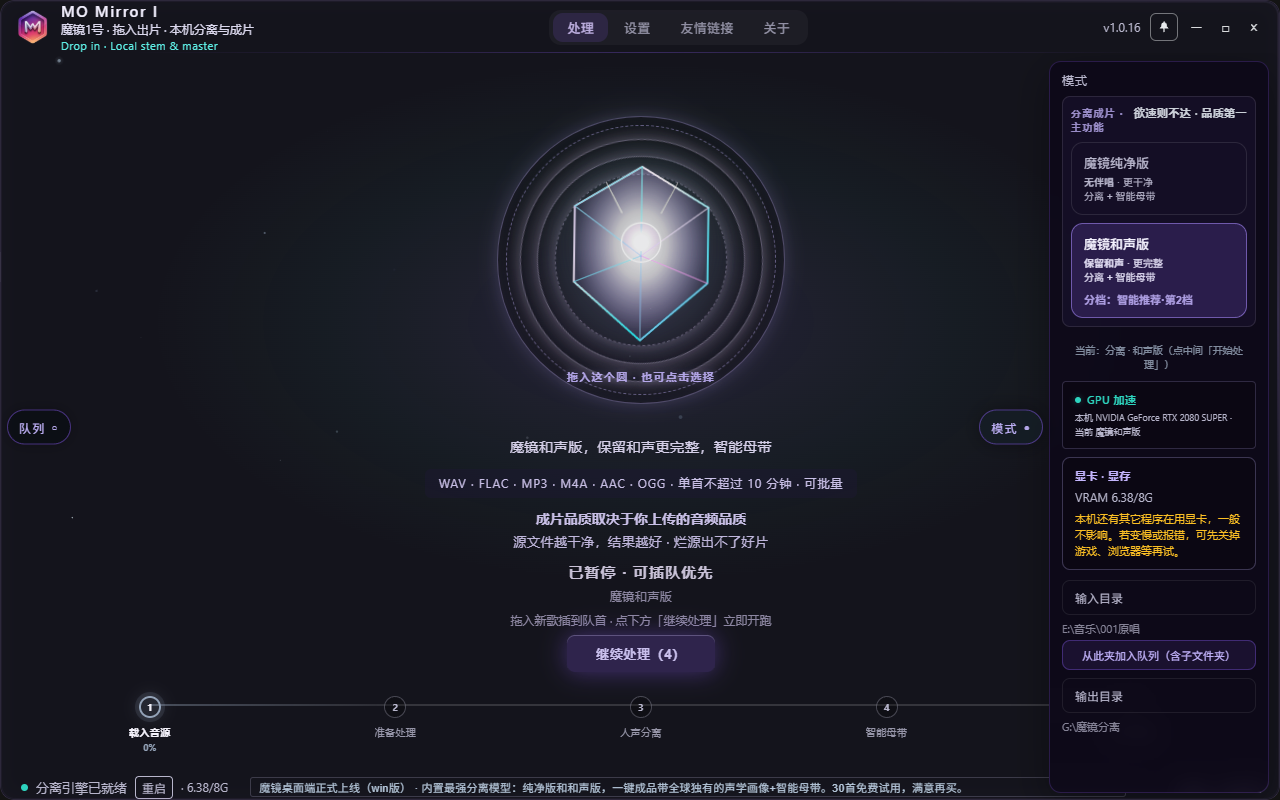
Clean for drier leads; Harmony keeps backing layers. Two ceiling-tier heavy models — pick the version that fits the song.
Advantage · dual models
Heavy-model vocals / accompaniment separation + acoustic profile scan + smart mastering — one finished deliverable.
One-time buy. Unlimited local runs. Try about {trial} tracks first. Quality before speed.
Clean and Harmony are both heavyweight separators. Most tools stop at stems — we keep going.
After separation: objective scan, acoustic profile, then intelligent mastering. Not “stems and done.”
Compare stages side by side. Free lyrics + acoustic portrait on the result page — who else puts the process on display?
Settings → drop → Start. Queue as many tracks as you want; audio stays on your PC.
Headphones recommended. Clean mode above, Harmony below — switch stems like the desktop app; only one plays at a time.
Settings (mode + format) → drop → Start. Then separation, acoustic mastering, and ABCD listen — all on your machine.
Clean for drier leads; Harmony keeps backing layers. Two ceiling-tier heavy models — pick the version that fits the song.
Advantage · dual models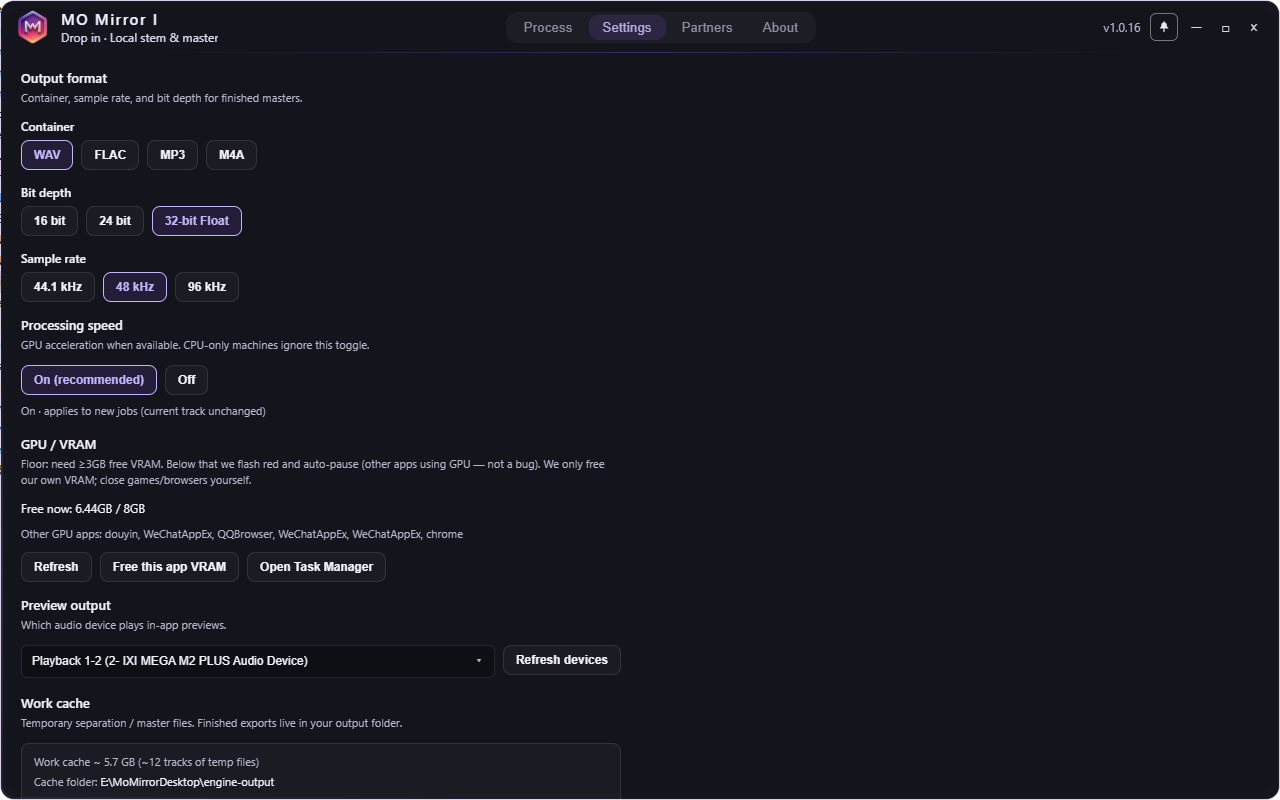
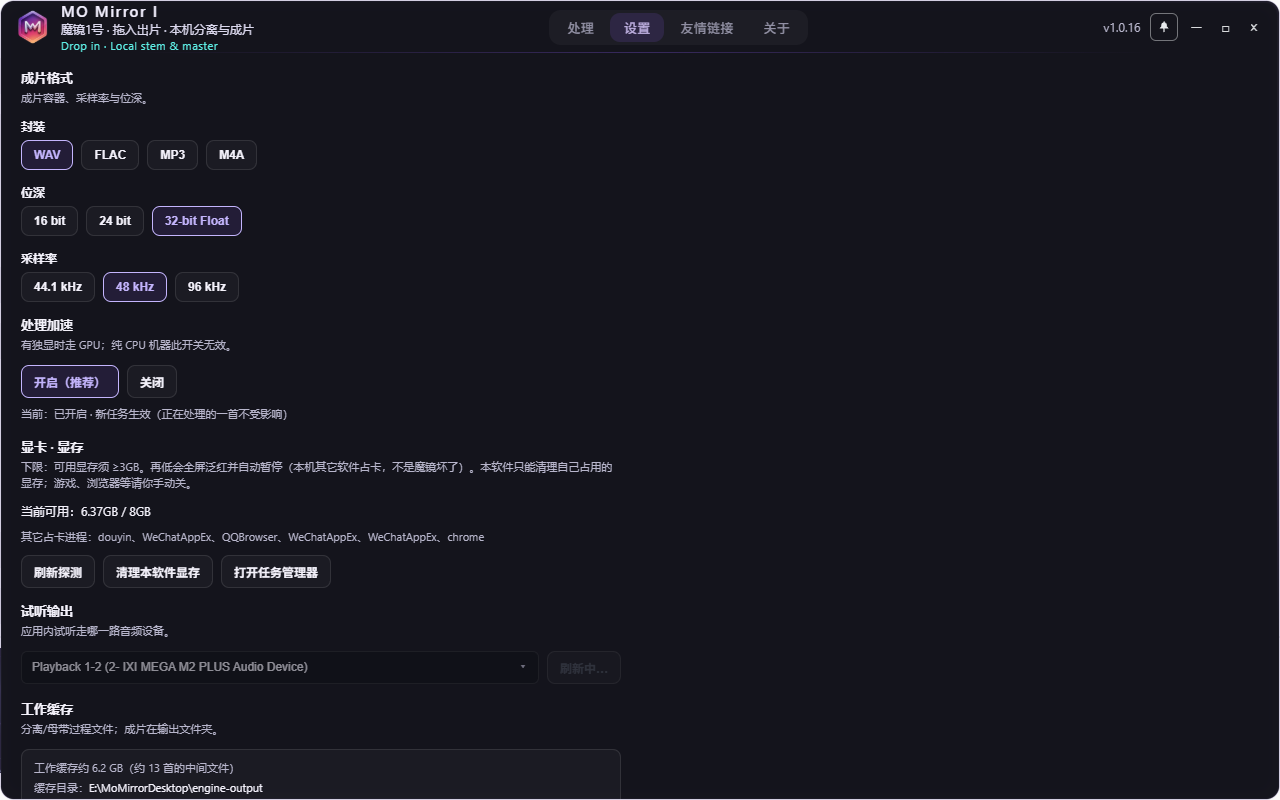
WAV / FLAC / MP3 — choose delivery format with the mode. “Settings” means both, before you drop a single file.
Workflow · settings first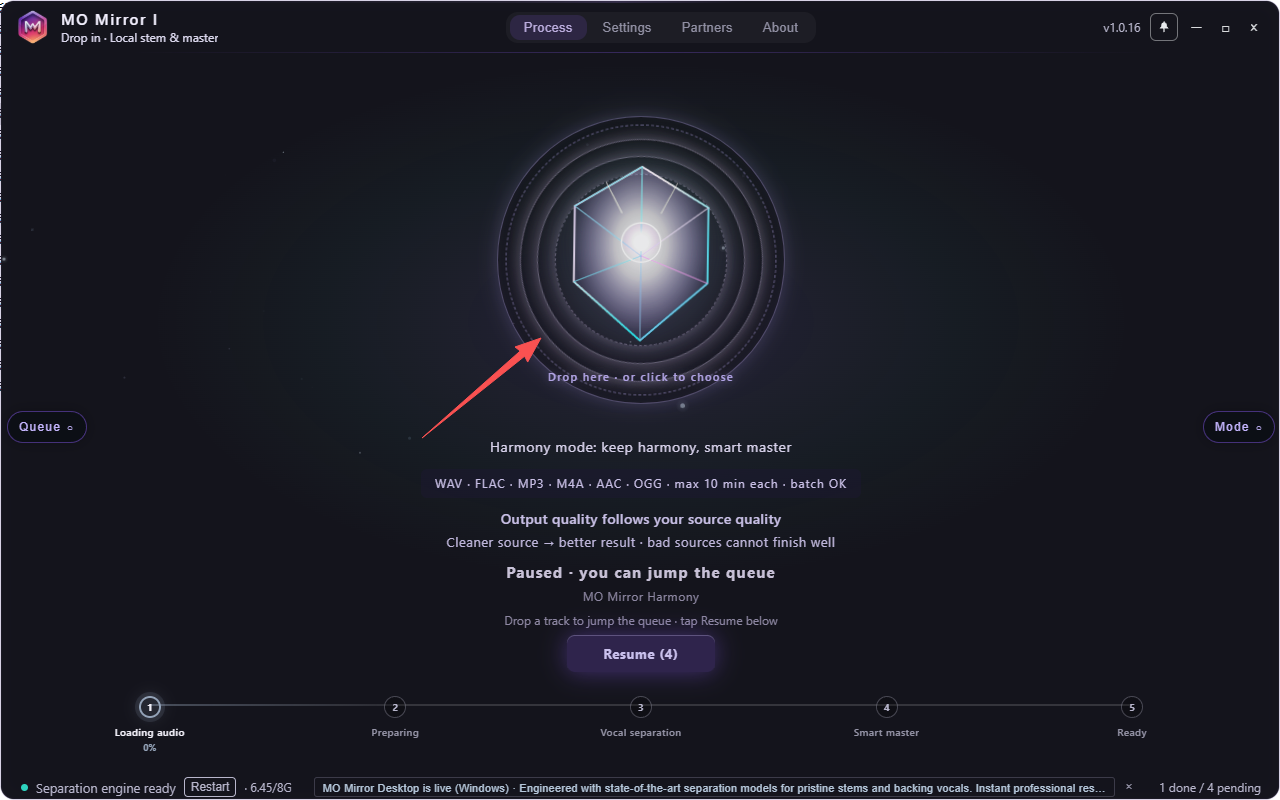
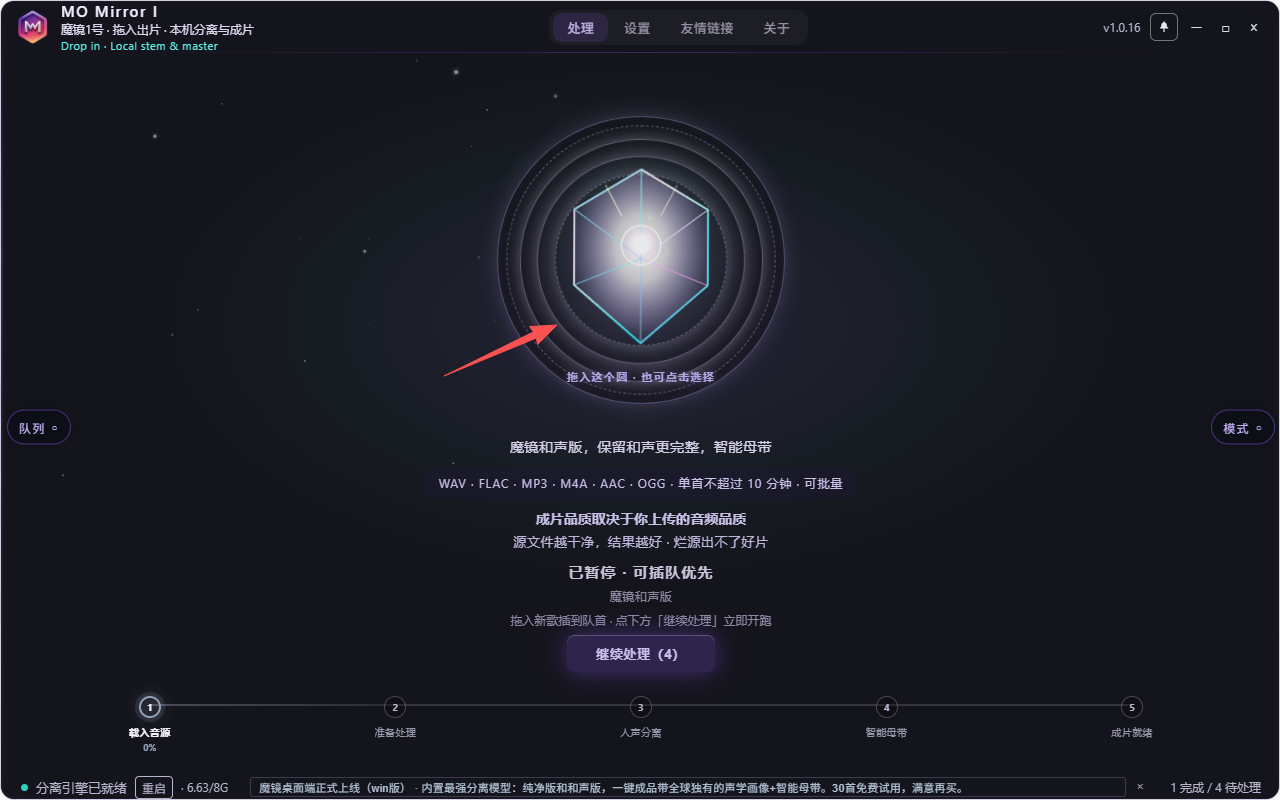
Drag into the center circle or pick paths. Queue as many tracks as you want — no one-by-one babysitting.
Advantage · batch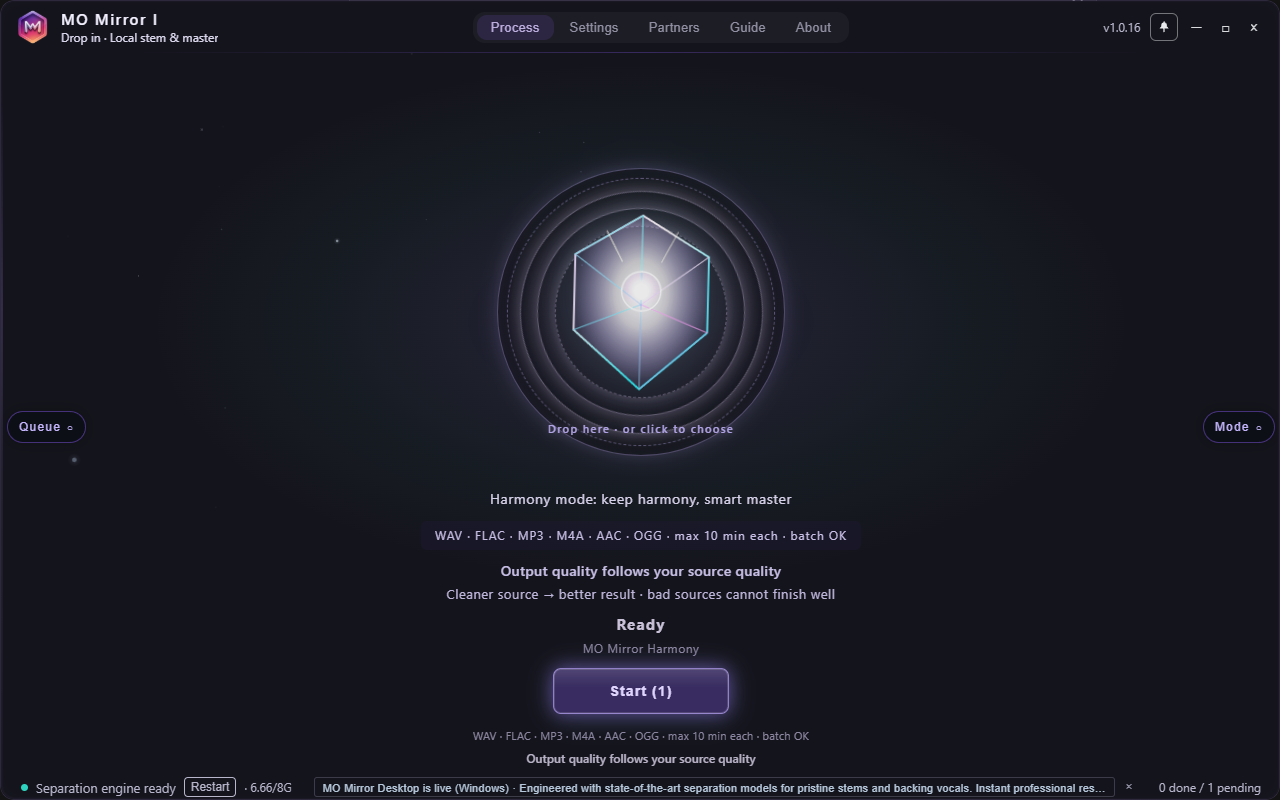
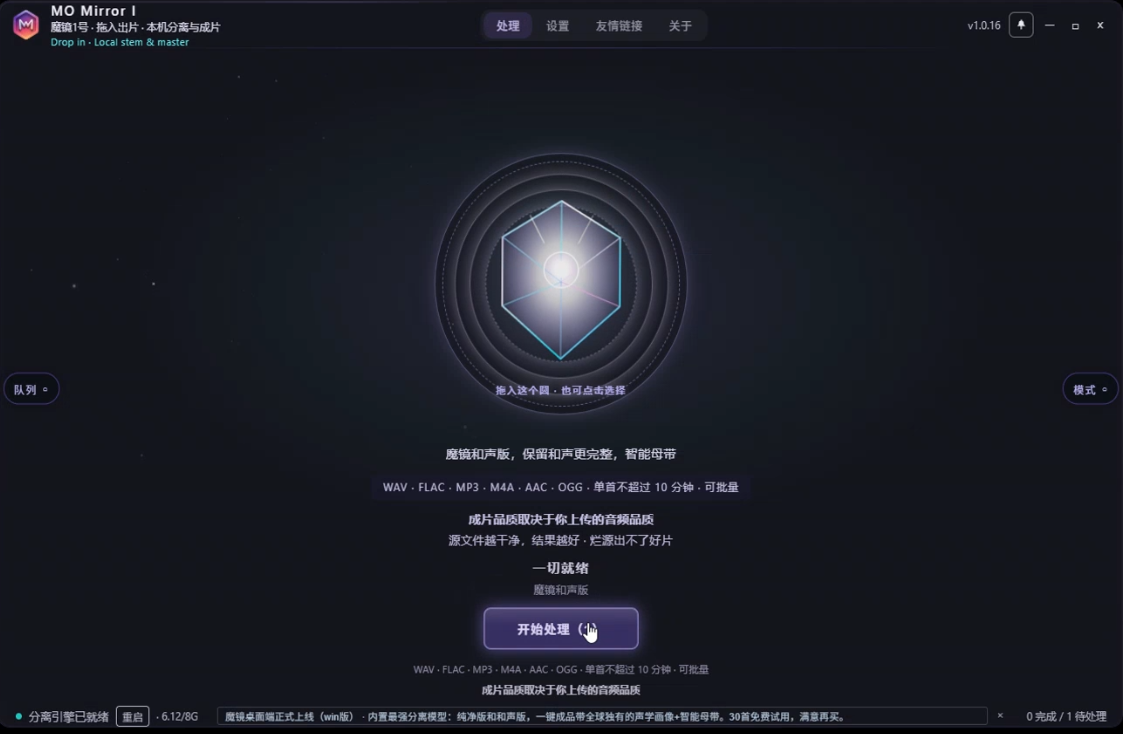
When mode, format, and queue are set — press Start. Separation and mastering run locally; audio never leaves for a cloud queue.
Local · privacy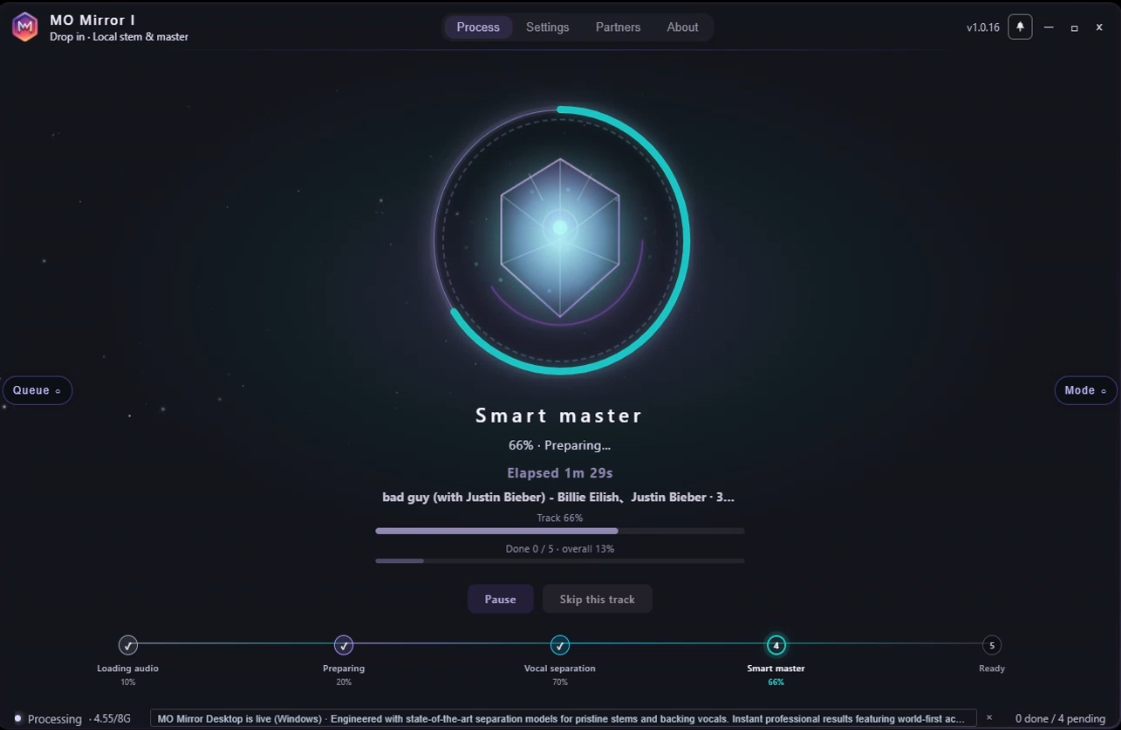
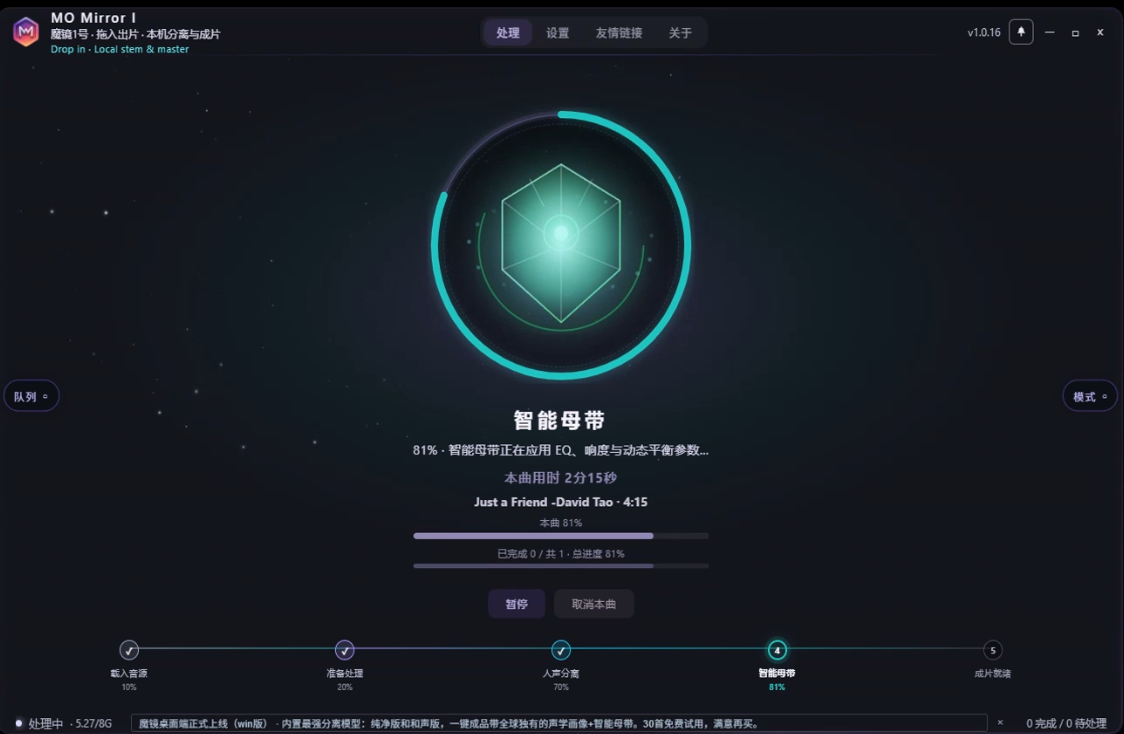
Our signature finish: objective acoustic profile feeds intelligent mastering. Stems are the midpoint — not the deliverable.
Advantage · mastering chain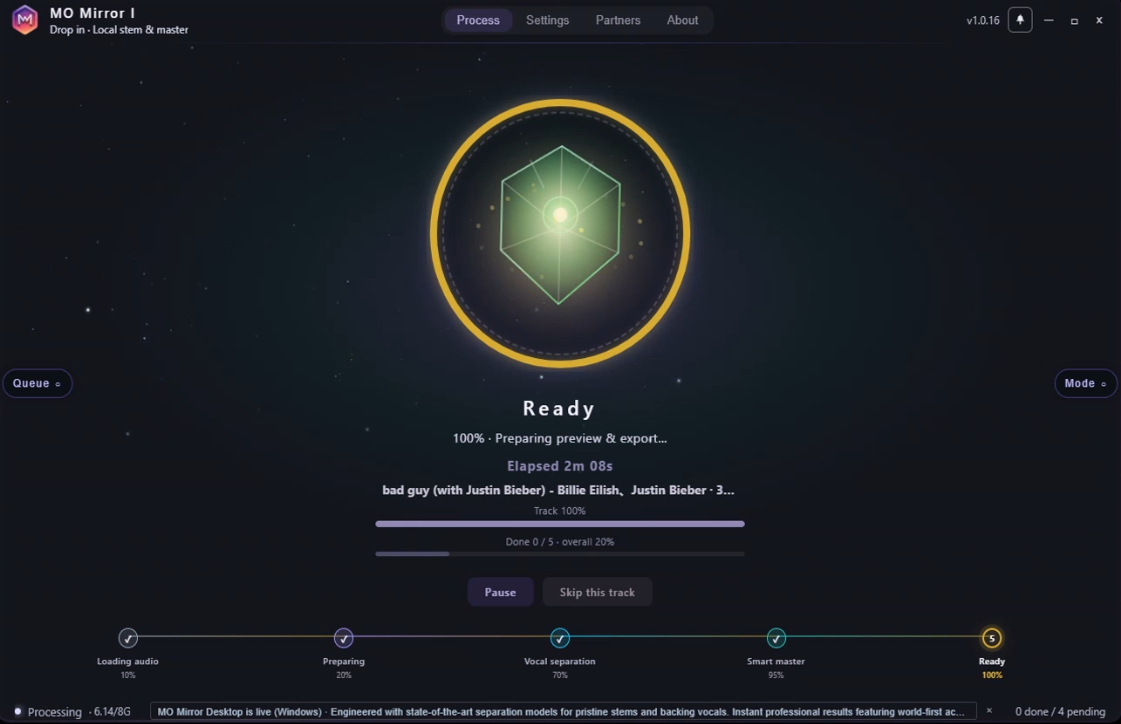
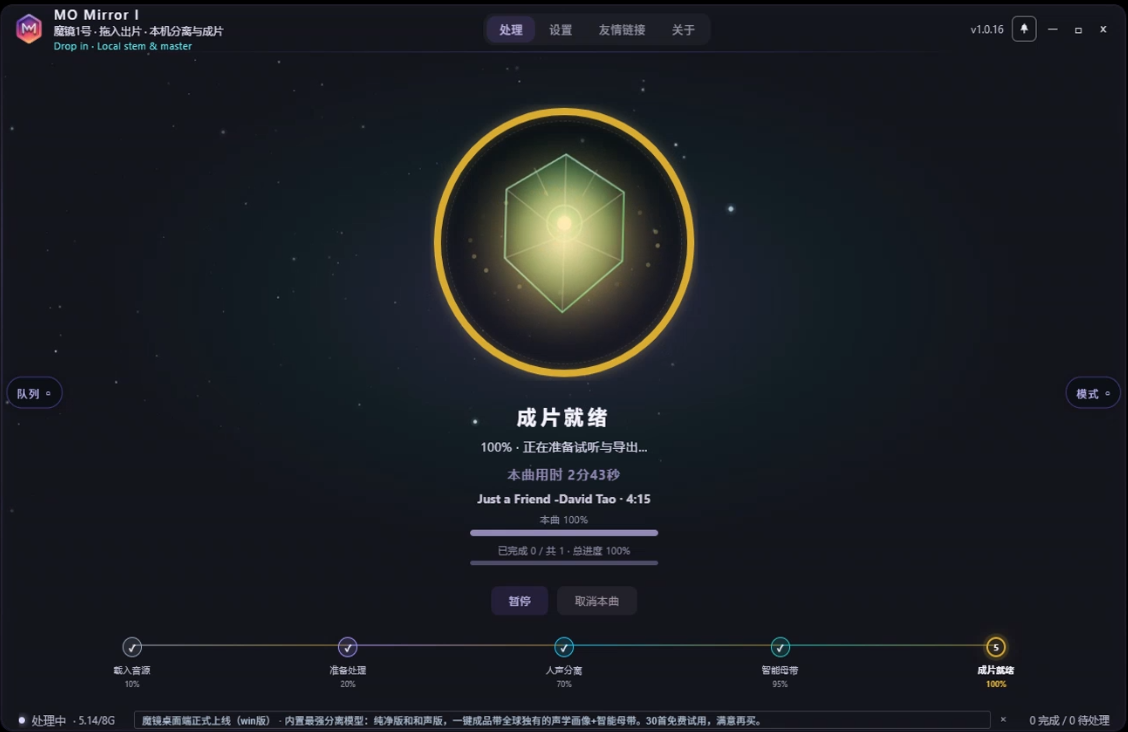
Masters land in your output folder. Keep dropping tracks — the queue keeps working while you listen.
Delivery · complete master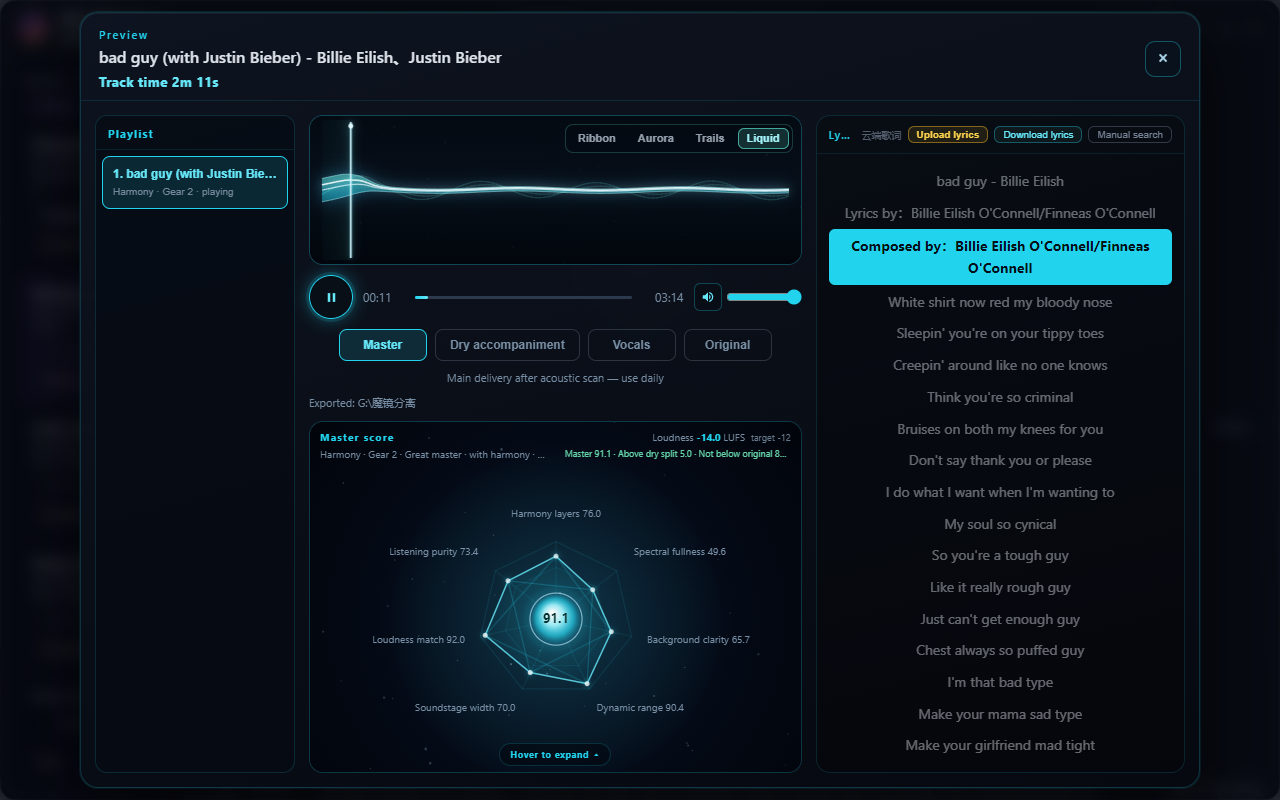
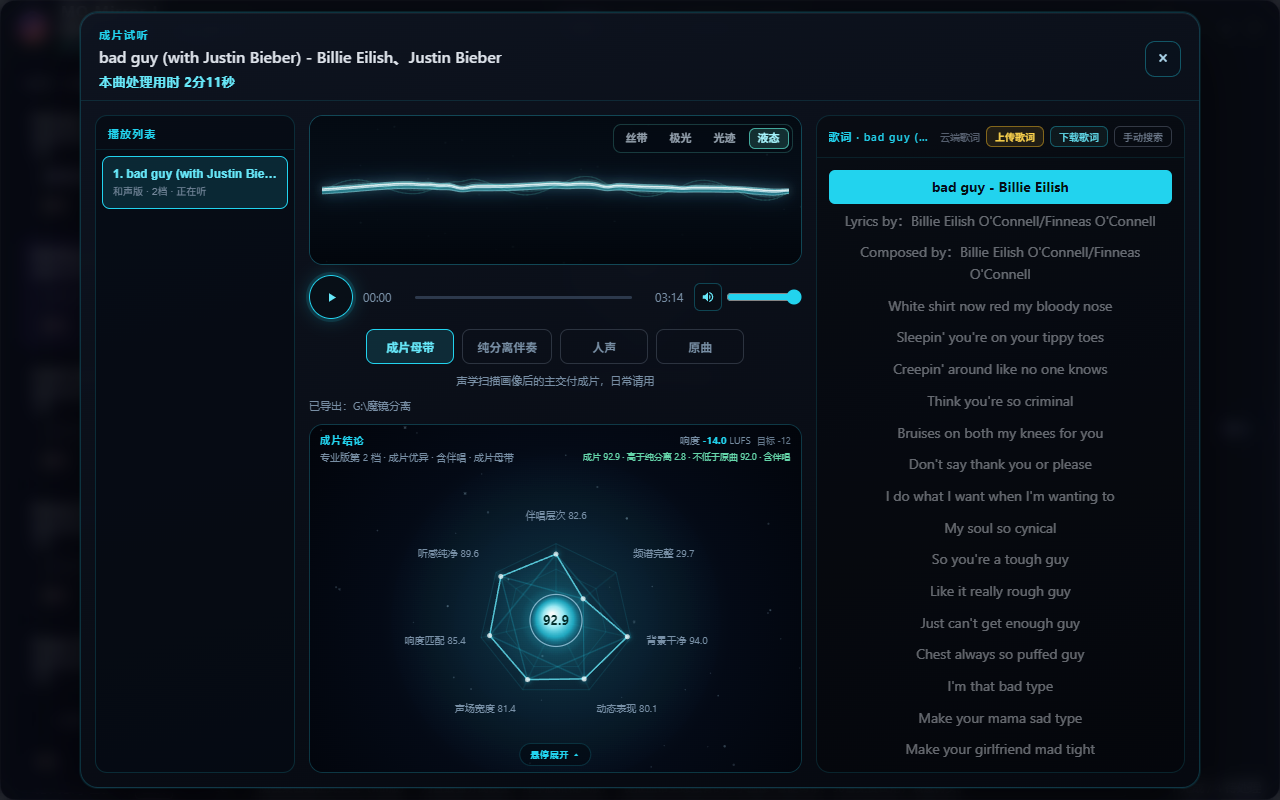
Compare stages on the result page. Free lyrics and acoustic portrait included. Who else puts process and result side by side for you to hear?
Advantage · ABCDRanked by real listening & delivery — not “instant” marketing.
Clean and Harmony are both frontier-class separators. Clean is drier for listen-and-sing; Harmony keeps backing layers for a fuller finish. Most tools stop here — we don’t.
After separation we run an objective acoustic scan, build a profile, then feed intelligent mastering. You get a complete master — not a pile of stems.
Result page puts stages side by side so you can hear the difference. Free lyrics + acoustic portrait on the same screen — rare honesty in this category.
Settings → drop → Start. Drag a stack or pick a folder; set the output path and let the queue finish while you work.
Audio stays on your PC for processing. Heavy where it matters; runtime follows song length and GPU. We don’t sell “seconds.”
Below the GPU floor? Use the cloud site — same finishing mindset.
Money, privacy, finishing power — we don’t dodge the table.
| Dimension | UVR5 | Cloud separator sites | MO Mirror Desktop PRO |
|---|---|---|---|
| Price | Free | Credits / subscription | $59 one-time |
| Upload audio | No | Required | Local · not uploaded for cloud queue |
| Mastered finish | None (DIY) | Often separate | Profile scan + smart mastering |
| Workflow | Manual tuning | Medium | Drop / locate · one-click |
| Batch | Yes, often manual | Depends | Auto queue |
| GPU | DIY-heavy | Browser OK | NVIDIA · 1060 6GB+ |
Download from this page → unpack the full folder (not a lone .exe) → run MoMirror.exe. Prefer a non-C: SSD. If antivirus quarantines files, restore and whitelist.
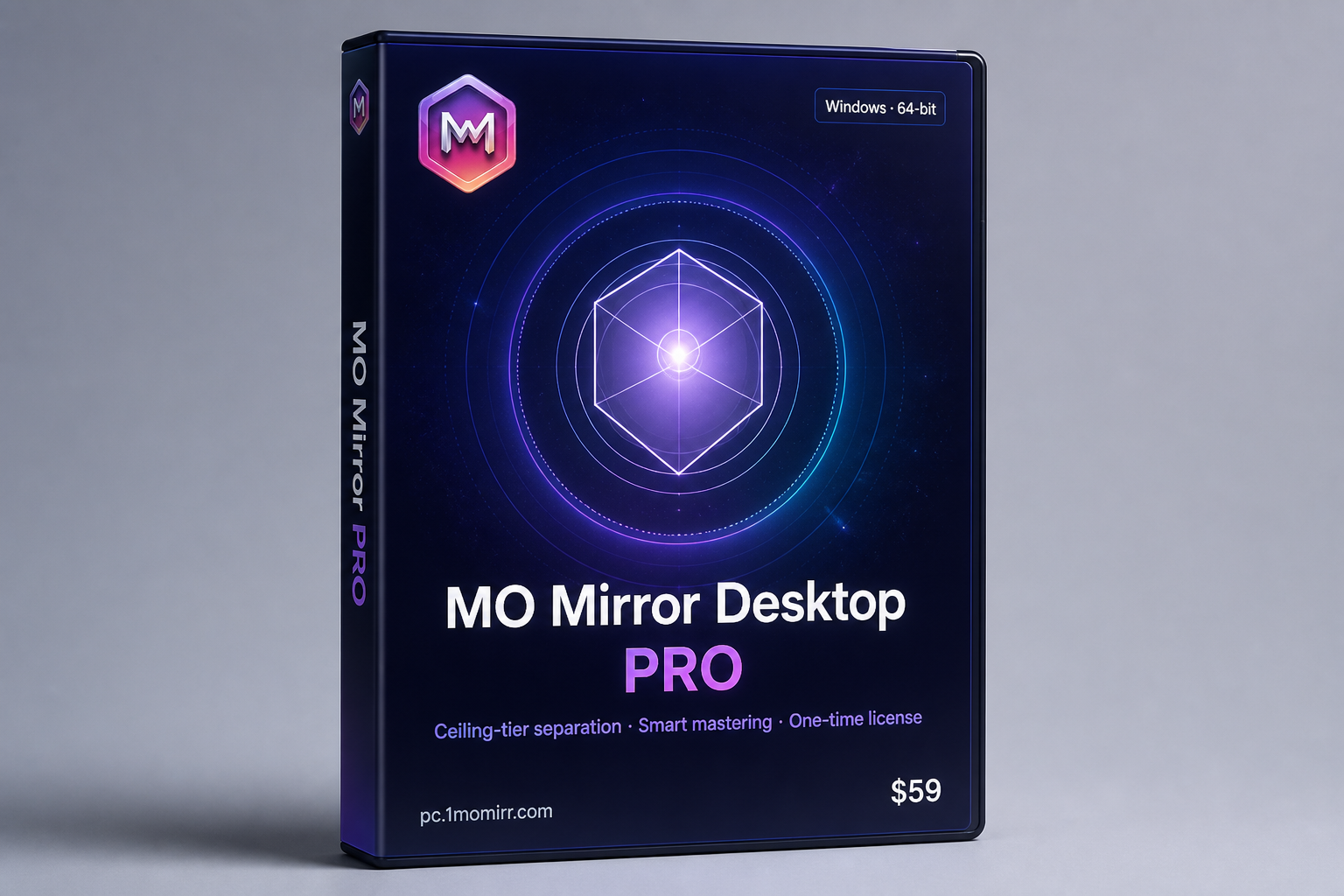
About 3 full finishes (see in-app). Buy $59 via Creem on this page; after payment, claim your activation code with your Machine ID (email link or [email protected]).
Desktop floor is GTX 1060 (6GB) class+. Otherwise use www.1momirr.com cloud (usage-based).
First run / activation needs the internet. Day-to-day separation & mastering are local — your audio is not uploaded to our cloud queue.
Online: browser, no local GPU needed. Desktop PRO: one-time license, batch queue, data stays on your PC. Same MO Mirror finishing family.
Try about 3 full finishes, then buy to activate. Processing stays on your PC.
Install, purchase, and product help: email preferred for international users. Discord community welcome. WeChat is available for Chinese-speaking users.